
AI for School Administration: 7 Tasks You Can Automate This Year

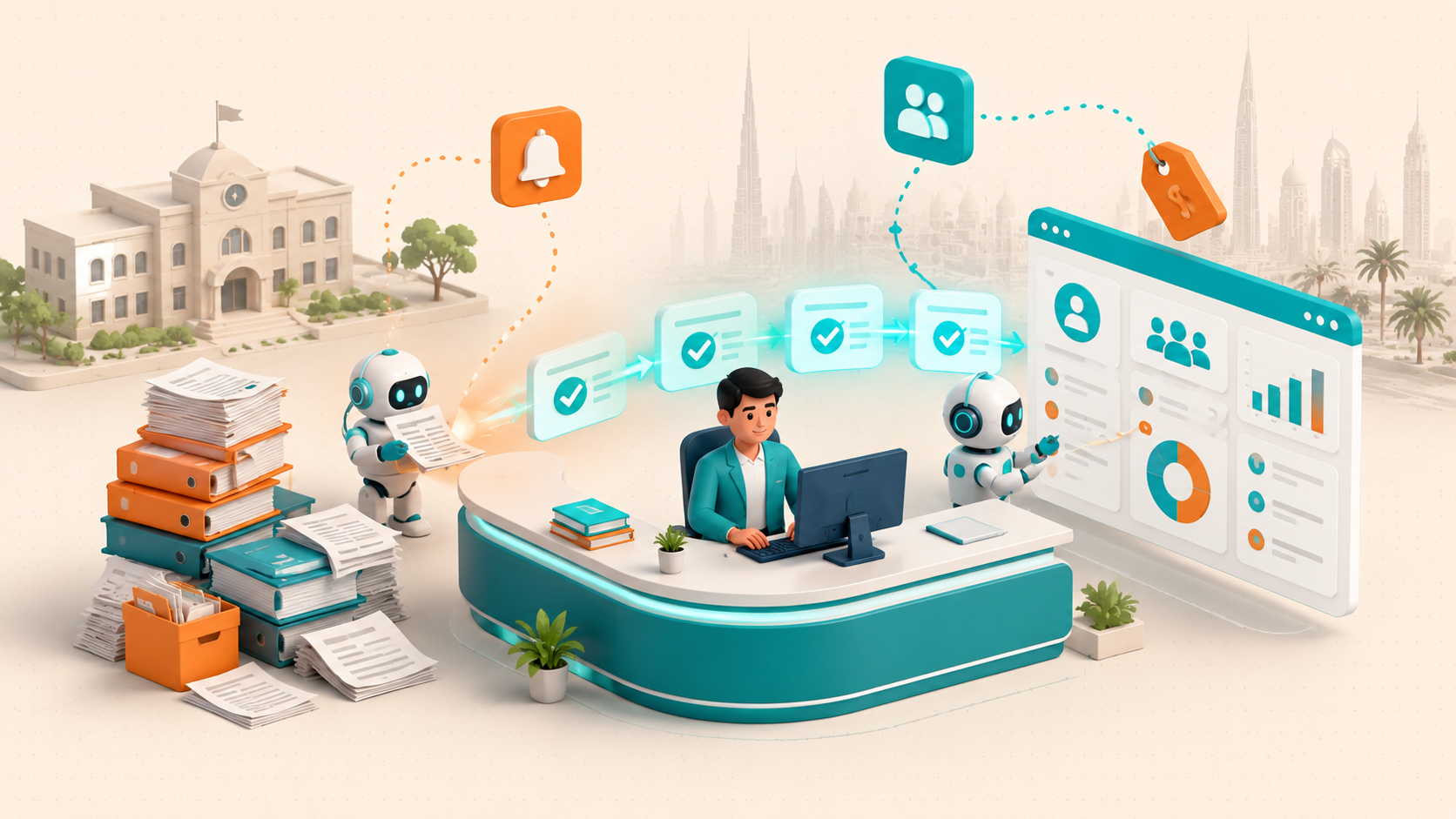
Every school office in the Gulf runs on a quiet backlog: attendance registers to key in, homework to hand out, reminders to send, fees to chase. AI for school administration automation now takes on that repetitive load, and educators want it. In a PowerSchool and YouGov survey, more than 90% of educators in the UAE and Saudi Arabia said their system needs more AI, and 51% named automating time-consuming tasks as its main advantage.
This guide is written for school owners and administrators in the GCC. It names the seven administration tasks you can realistically automate this year, shows which to start with, and gives an honest view of the hours each returns. We build these workflows for schools, so the examples come from what actually holds up in a busy front office, not a demo.
- Attendance, homework distribution, and parent reminders are the three tasks GCC educators most want automated (49%, 51%, 49%).
- US K-12 teachers using AI weekly save 5.9 hours each, about six weeks a school year (Gallup and Walton Family Foundation, 2025).
- Start with high-volume, low-judgement tasks like attendance and reminders. Keep a human on admissions decisions and student wellbeing.
- Most GCC schools can automate three tasks in a single term without replacing their existing student information system.
Why GCC School Offices Run on Overtime and Sticky Notes
Administrative work rarely appears on a school's brochure, yet it decides whether staff go home on time. Registers, permission slips, fee reminders, and parent messages pile up across every campus. The tasks are simple on their own, but they repeat hundreds of times a day and pull skilled staff away from students.
The appetite to fix this is not in doubt. Alongside the 90% who want more AI, 88% of UAE and Saudi educators said they need more professional development to keep up with it (PowerSchool/YouGov). The demand is there, and the real-world AI use cases in education are well documented. What most schools lack is a clear, low-risk starting point.
What We Have Seen at TRT
Across our school automation projects in the GCC, the same pattern holds. The front office is not short on effort, it is short on hours. When we log where those hours go, attendance, reminders, and fee chasing sit at the top every time. Those three are also the easiest to automate safely, which is why we almost always start there.
One concrete example: for a private school group we worked with in the UAE, moving attendance capture and parent reminders to an automated workflow cut the front office's daily admin from about 50 minutes to under 10. Across campuses, that is close to nine hours a week returned to staff, without adding a single new system for teachers to learn.
The time saved is not a guess. Teachers who use AI weekly save about 5.9 hours each, close to six weeks across a school year, per Gallup and the Walton Family Foundation. Read together, these numbers point one way. Staff want the repetitive work gone, the technology to remove it is ready, and the question is no longer whether to automate, but which task to automate first.
The 7 School Administration Tasks You Can Automate This Year
Here are the seven tasks GCC schools most often hand to AI, ordered roughly from easiest to hardest. Each entry covers what the task is, how automation handles it, and what to watch for in a Gulf school setting.
1. Attendance Tracking and Daily Reporting
Attendance is the model task for automation: daily, rule-based, and high volume. AI can capture attendance from card taps, app check-ins, or classroom devices, then flag only the exceptions a human needs to see. Almost half of GCC educators (49%) already point to attendance as a natural AI job. Keep staff reviewing flagged absences, since a missing child is never a task to fully hand over.
2. Homework Assignment and First-Pass Grading
Assigning homework and doing a first pass on objective answers is the single most-cited win, named by 51% of surveyed educators. AI can distribute assignments, mark multiple-choice and short factual answers, and draft feedback for a teacher to approve. The teacher keeps final say on grades and on anything subjective, so judgement stays human while the repetitive marking does not.
3. Parent Communication and Reminders
Reminders about absences, events, fees, and forms eat a surprising share of office time. AI can send them the moment an event triggers, in Arabic and English, without a staffer drafting each message. 49% of GCC educators flagged reminders as a strong AI use case. Bilingual, event-driven messaging is one of the fastest wins a Gulf school can put in place.
4. Admissions and Enrollment Processing
Admissions carries heavy paperwork: applications, document checks, waitlists, and status updates. AI can collect and validate documents, answer routine applicant questions, and keep families updated on where they stand. Automate the paperwork and the chasing. Keep the actual decision on which child to admit firmly with your admissions team, since that is a judgement about a person, not a form.
5. Timetabling and Substitute Scheduling
Building a timetable and covering last-minute absences are constraint problems computers handle well. AI can generate schedules that respect room limits, teacher loads, and subject rules, then reshuffle cover when a teacher calls in sick. A human still signs off, but the hours of manual juggling drop sharply, especially across a multi-campus group with shared staff.
6. Fee Reminders and Finance Follow-Ups
Fee collection is repetitive, sensitive, and easy to let slip. AI can send scheduled, polite reminders, escalate overdue accounts on a set path, and give the finance office a clean view of who has paid. This protects cash flow without a staffer manually tracking every family. Keep the tone and escalation rules under human control, since money conversations with parents need care.
7. Report Cards and Assessment Summaries
Report cards pull data from many places and eat teacher evenings near term end. AI can assemble marks, attendance, and comments into a draft report for each student, ready for a teacher to review and personalise. The Gallup data on time saved is driven partly by exactly this kind of assessment work. The draft saves hours; the teacher's judgement keeps the report honest.
Where the Off-the-Shelf Tools Fit In
You will hear names like MagicSchool, SchoolAI, and Jotform for parent communication, plus the AI features now built into most student information systems. Those tools handle common tasks well, and at the more advanced end, AI agents that run multi-step school workflows can chain several of them together.
The gap for GCC schools is usually the join: bilingual reminders, Arabic-first workflows, and a clean link between a tool and the systems you already run. That integration, not the tool on its own, is where AI for school administration automation succeeds or stalls, and where a build-and-integrate partner earns its keep.
Third Rock Techkno has built school workflow automation for education clients across the GCC and US. Map your quick wins with our team →
What the First 90 Days of Automation Actually Look Like
A school does not automate seven tasks at once, and it should not try. The schools that succeed run a tight first project on one task, prove the saving, then repeat. Here is the rollout we use with GCC school clients, sized for a single term.
Notice what this plan avoids. It does not rip out your current systems, it does not automate a sensitive task first, and it does not skip measurement. One clean win on attendance or reminders builds the trust and the budget for everything that follows.

Which Tasks to Automate First (and Which to Leave Alone)
Not every task deserves automation this year, and a few should stay with people for good. The dividing line is judgement. If a task follows clear rules and repeats often, automate it. If it involves a decision about a specific child, keep a person in charge. This matrix sorts the seven tasks by that test.
Use this as a filter for any tool a vendor pitches you. Automation belongs on the volume and the paperwork. Human judgement belongs on admissions, wellbeing, and discipline, where a wrong automated call carries a real cost for a family. Keeping people on those decisions also keeps you clear of the UAE and Saudi data protection rules that govern student records.
We connect AI automation to the student information system you already run, without a rip-and-replace. Book a discovery call →
What It Costs and What Your Office Gets Back
The return on AI for school administration is measured in staff hours and fewer errors, not vague promises. The comparison below shows two common tasks handled the manual way and the AI-assisted way. The point is not that people are slow, it is that skilled staff are wasted on work that follows a script.
On our GCC projects, a single automated attendance and reminder workflow has returned close to nine hours a week to the front office within the first term. That is the real payback from AI for school administration automation: time redirected to students and families, not headcount removed. The same pattern shows up as schools adopt generative AI tools in education for routine back-office work. Treat the first project as a measured pilot, log the hours before and after, and let the number make the case for the next task.
"The schools that win with AI do not automate everything at once. They pick one daily task, prove the hours saved, then repeat."— Third Rock Techkno, from GCC school automation projects
Where to Start This Term
Pick one task from the top of the list, most likely attendance or parent reminders, and run the 90-day plan against it. Keep your current systems, keep a human on the exceptions, and measure the hours you get back. Once that first number is real, the second and third tasks are a much easier decision, both for you and for the staff who will use them every day.
AI for school administration automation is not a single purchase or a full system replacement. It is a sequence of small, proven wins that add up to a calmer office and more time for the people who matter. Start narrow this term, measure honestly, and let the results decide your pace. If you want a second pair of hands, our team can map the first workflow with you.